

Zoom is updating its web portal ( fau-edu.zoom.us ) for all Florida Atlantic University students, faculty, and staff. This update changes the layout of the web portal to improve menu structure and streamline navigation access tools, aligning them with the Zoom desktop application. On September 30, 2026, Zoom will make the update permanent.
What’s Changing?
- Web Homepage Layout: The web portal home page now mirrors the structure of the Zoom desktop client. Controls to start, join, or schedule a meeting are loaded directly on the main screen upon signing in.
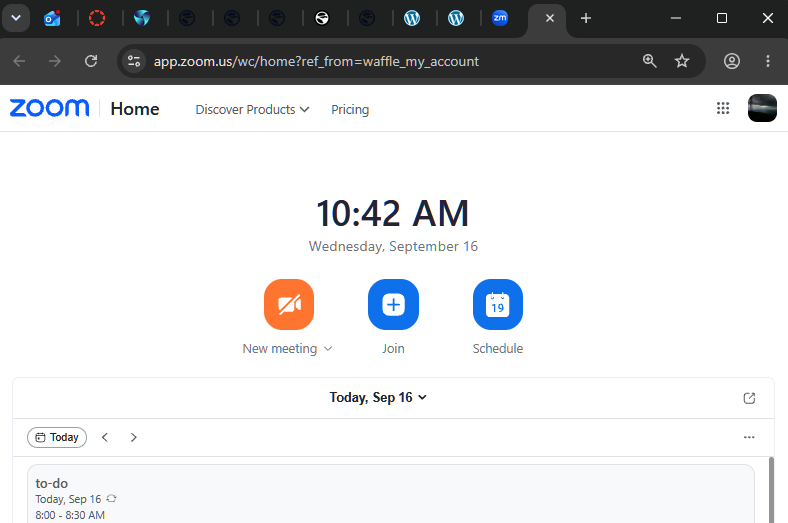
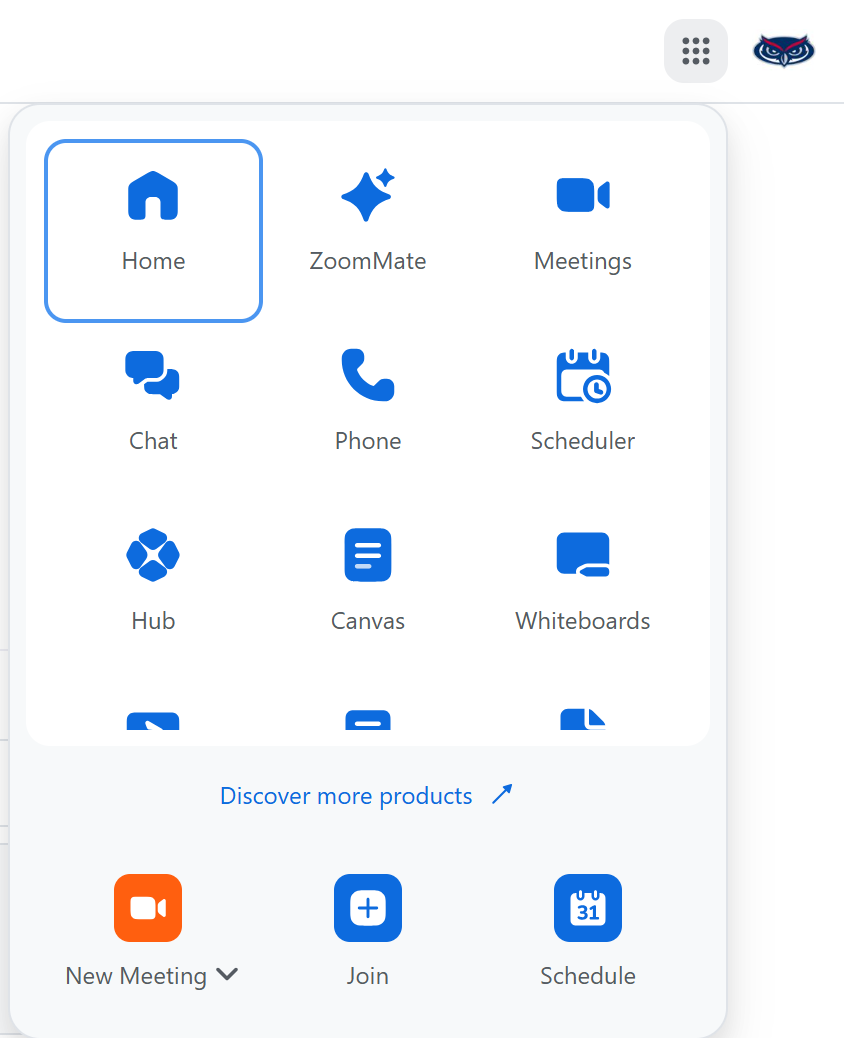
Top Navigation and App Switcher: The left-hand navigation menu has been replaced by a 3×3 grid icon in the top right header. You can click this icon to switch between Zoom products and drag and drop the icons to customize your menu layout.
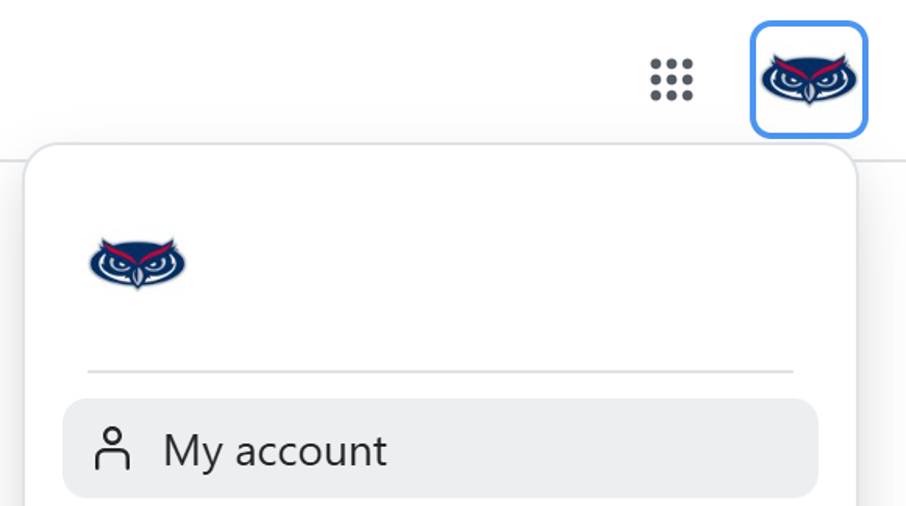
Consolidated Profile Settings: Account tools are grouped under your profile icon in the top-right corner. Selecting My Account provides access to personal profile details, settings, cloud recordings, meeting transcripts, and usage reports.
You can preview the updated layout at any time. Look for the “Try new experience” toggle switch in the top header of the Zoom web portal to turn the new layout on or off. This toggle is available until September 29, 2026.
On September 30, 2026, the new Zoom web experience will be permanent for all FAU accounts. The “Try new experience will be removed, and the legacy interface will no longer be accessible.
What’s Not Changing?
This update only affects the browser portal interface. The following core functionalities remain unaffected:
- Live Zoom meeting
- In meeting controls,
- The desktop application
- Existing scheduled meeting links
For more details about the update, please visit Zoom’s blog to get a visual layout or try the new experience yourself!
If you have questions, comments, or need general support with Zoom and our additional tools, visit the links below for more assistance.
- Submit a Helpdesk ticket
- Sign up for workshops
- Book one-on-one appointments
- If you are looking for a space to host large video conferences or record materials, check out our Zoom Studio in CM 132.